Computer repair WordPress theme
LT Techfix – AI-Ready Computer Repair WordPress Theme
A complete website for computer repair shops, phone repair shops and IT support companies. Activate it and the homepage is ready: a hero with a “book a repair” card, six services, how repairs work, repair prices, managed IT plans, your technicians, reviews, an FAQ on repair times, warranty and data privacy, shop hours with a map and a booking call to action. Built only from WordPress core blocks; Pro Unlimited adds instructions that let your AI assistant set it up for your shop.


- 4 ready pages
- 15 section patterns
- 4 colour styles
- 0 plugins required
Video
Set it up in 2 minutes
Install the theme, import the demo pages in one click, make it yours and check what is left before you go live.


Ready-made sections
Everything a computer repair website needs

Repair services
Six cards with icon tiles: computer and laptop repair, phone and tablet screens, data recovery, virus removal, business IT support, networks and Wi-Fi.

How repairs work
Four numbered steps from drop-off to diagnosis, repair and pick-up, so customers know what to expect.

Repair prices from
Example “from” prices next to a quote and payment card that explains nothing is fixed until the customer says yes.

Managed IT plans
An intro with an illustration and three monthly IT support plan cards for small businesses, one highlighted.

Your technicians
Team cards for repair technicians and IT support staff with photo, role and a short bio.

Repair FAQ
Repair times, warranty, data privacy, backups, walk-ins and whether an old device is worth fixing.
AI kit · Pro Unlimited
Let your AI assistant set it up for your shop
Pro Unlimited includes an AI kit. Open the theme in Claude Code or Cursor (or paste AGENTS.md into ChatGPT), describe your shop, and the assistant rebrands colours, rewrites the demo text and sets your services, repair prices, IT plans, shop hours and team, without breaking the design.
- AGENTS.md + CLAUDE.mdRules your AI follows: design tokens, valid block markup, which demo text, prices and policies to replace.
- Claude Agent SkillA ready skill that walks Claude through setting the theme up for a repair shop or IT support company.
- 10 ready promptsSet up for my shop, services, repair prices, IT plans, technicians, translate, new colour style and more.
- Theme checkerOne command checks block markup, colour contrast and leftover demo content before launch.
prompts.md · #1Set up this LT Techfix theme for my shop. Follow AGENTS.md.
Shop name: Northgate PC & Phone Repair
City: Portland, Oregon
Phone: (503) 555-0188
Services: laptop repair, phone screens, data recovery, business IT
Brand colour: Circuit
…
Features
Built the modern WordPress way
- Complete homepage, Services, About and Contact layouts
- Hero with a “book a repair” card and a clear-quote line
- Six services, a four-step repair process and a walk-in banner
- Example repair prices, three managed IT plans, shop hours with map
- 4 colour styles: Indigo (default), Circuit, Copper and Silicon
- Modern Onest headings, self-hosted fonts (no Google Fonts requests)
- WCAG AA colour contrast in every style
- Translation-ready, core blocks only, no page builder

Pricing
Get LT Techfix
Single WordPress theme license. Free is the theme and its colour styles; Pro Standard adds the ready-made homepage, sections and page layouts; Pro Unlimited adds the AI kit and unlimited websites.
Free download
Free Download
- Lifetime usage✓
- Theme & 4 colour styles✓
- Ready homepage, 15 patterns, page layouts & demo import✕
- Mobile support (responsive)✓
- Downloads & updatesForever
- Ticket supportDocumentation
- Website license1
- AI kit (AGENTS.md, skill, prompts, checker)✕
- Branding / copyright removal✕
Keeps a small credit link in the footer.
Most popular
Pro Standard
$29 Yearly payment
- Lifetime usage✓
- Theme & 4 colour styles✓
- Ready homepage, 15 patterns, page layouts & demo import✓
- Mobile support (responsive)✓
- Downloads & updates1 year
- Ticket support1 year (renews yearly)
- Website license1
- AI kit (AGENTS.md, skill, prompts, checker)✕
- Branding / copyright removal✓
Pro Unlimited
$49 One-time payment
- Lifetime usage✓
- Theme & 4 colour styles✓
- Ready homepage, 15 patterns, page layouts & demo import✓
- Mobile support (responsive)✓
- Downloads & updatesLifetime
- Ticket supportLifetime
- Website licenseUnlimited
- AI kit (AGENTS.md, skill, prompts, checker)✓
- Branding / copyright removal✓
LT Techfix FAQ
Which WordPress version do I need?
WordPress 6.6 or newer (tested up to 7.1) and PHP 7.4 or newer. It is a block theme, so you edit everything in Appearance → Editor.
What is the difference between Free, Pro Standard and Pro Unlimited?
Free is the theme package: templates, header and footer, fonts and all 4 colour styles, with a small credit link in the footer. Build your own pages, or install it on an existing website and keep your content. Pro Standard adds the ready-made homepage, 15 section patterns and the Services, About and Contact layouts, ticket support and credit removal. Pro Unlimited adds the AI kit, unlimited websites and lifetime updates and support.
Can I install it on my existing website?
Yes. If your site already has a static homepage (Settings → Reading), LT Techfix keeps it and shows your page with the new design. Your pages and posts stay as they are.
Can I use it without AI?
Yes. It is a normal WordPress block theme. The AI kit only makes setup faster if you use Claude, ChatGPT, Cursor or Copilot.
How do I add online repair booking?
Point the “Book a repair” buttons to your online booking or repair ticket system. If you use a form plugin, add its block to the Contact page, and never ask customers to send passwords through a plain contact form.
Are the demo services, prices, photos and reviews included?
They are placeholders that show the layout. Replace them with the services you really offer, your own prices, IT plans, warranty, hours, photos and real reviews, and never promise repair times or data recovery results; in Pro Unlimited the theme checker lists anything you missed.
How do I get the Pro version after buying?
Right after payment you receive a licence key by email. Enter it on block.ltheme.com/account to download your theme and every update included in your plan.
How do I get support?
Pro Standard and Pro Unlimited include ticket support at ltheme.com/ticket-support. Free users can follow the documentation.
More professional services themes
No theme matches yet. Try another word, or ask us which theme fits your business.
-
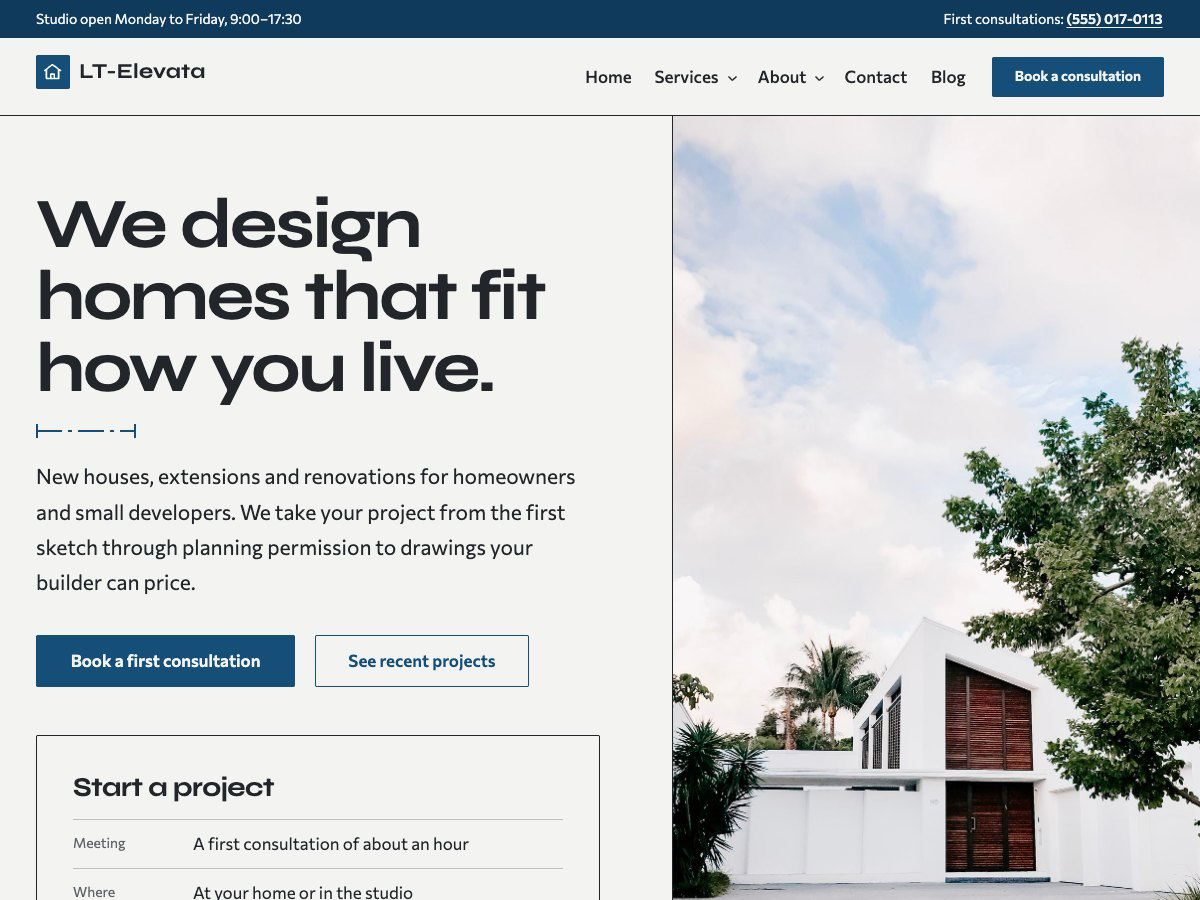
Architecture studio New
LT Elevata
AI-ready block theme for architecture studios and residential architects.
-
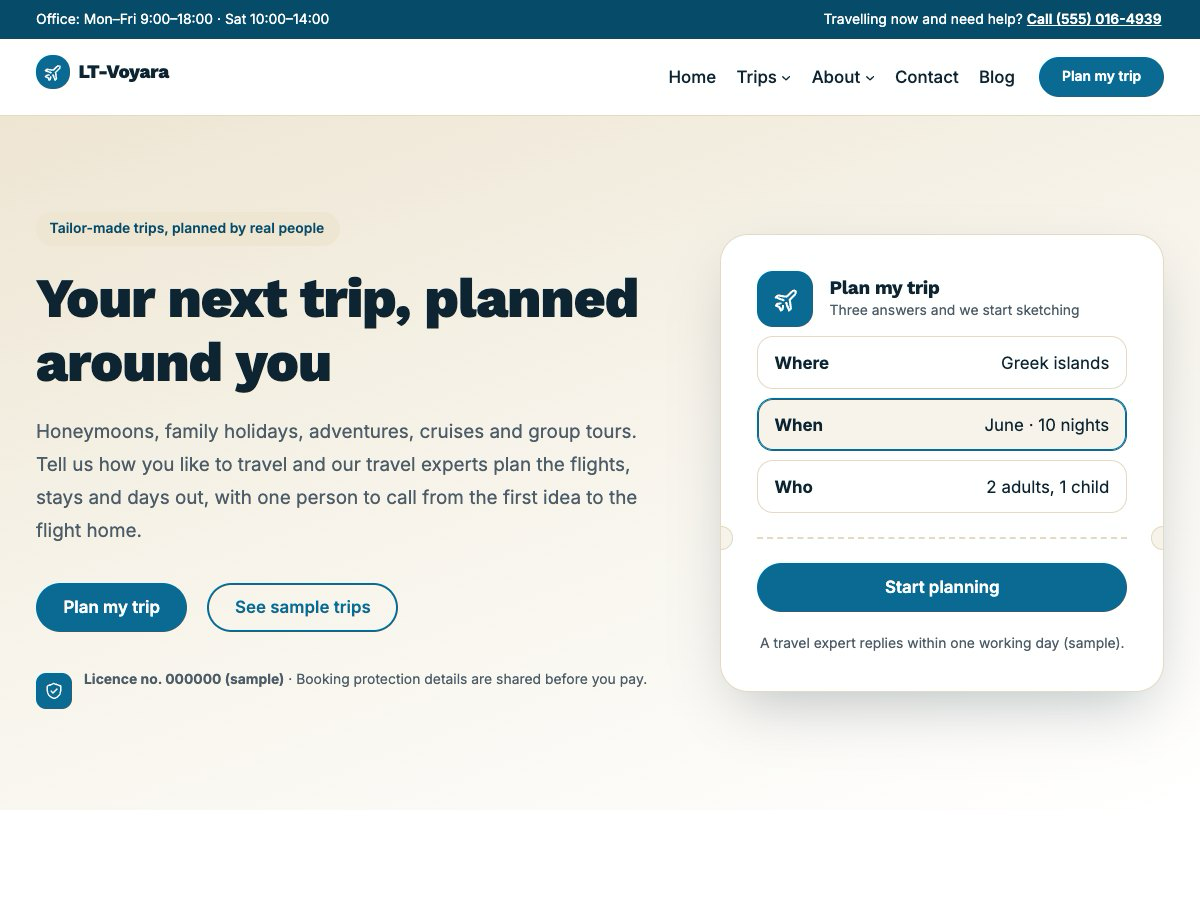
Travel agency & tour planner New
LT Voyara
AI-ready block theme for travel agencies, tour planners and independent travel advisers.
-