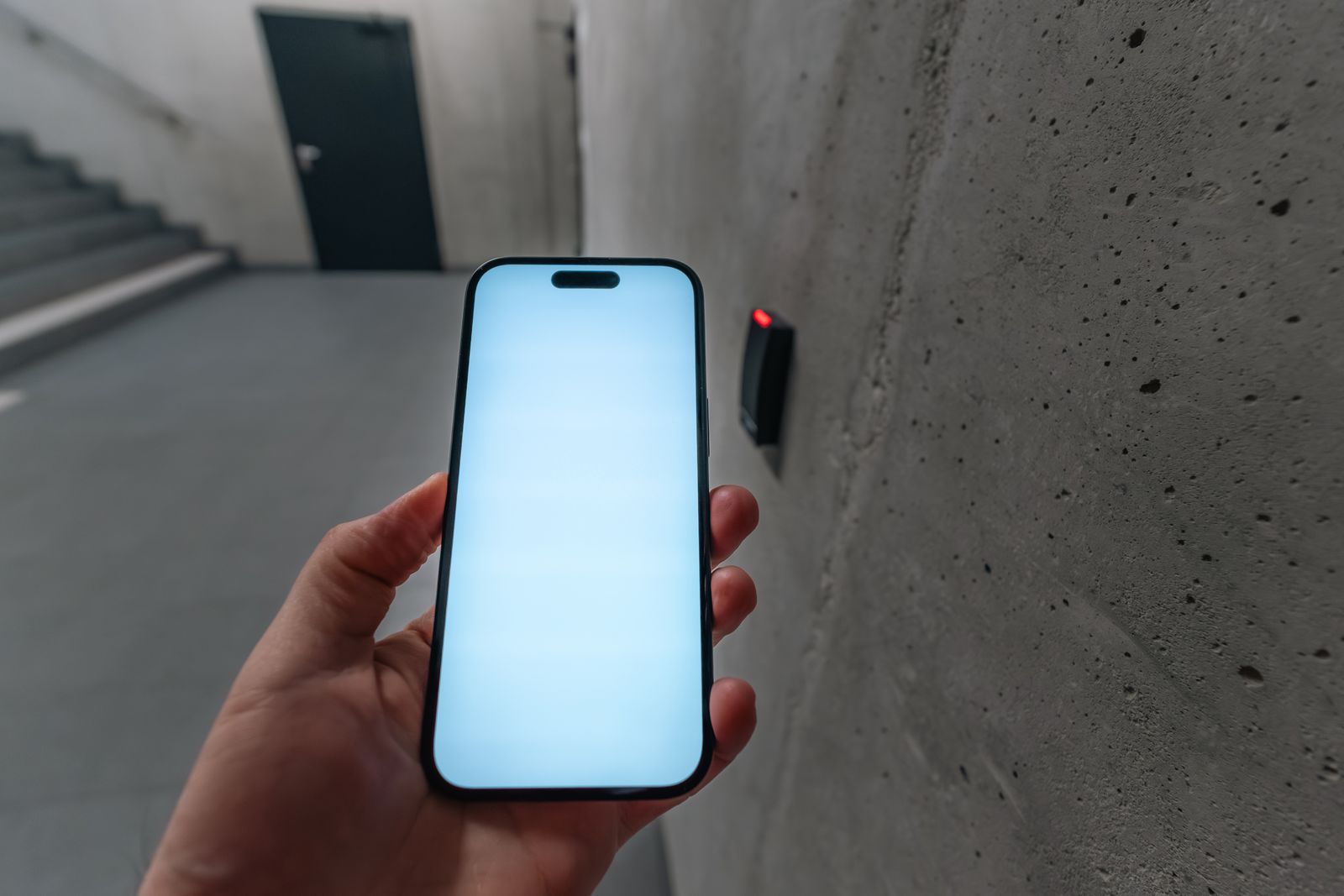
Smart locks let you open the door with a code, a phone or a card instead of a key. They are handy for families, rentals and small offices, but not every lock suits every door.
Main types
- Keypad locks open with a code. Easy to share, and you can change codes when someone no longer needs access.
- App or Bluetooth locks open from your phone when you are close to the door.
- Wi-Fi or hub-connected locks let you lock, unlock and check the door from anywhere, and can show who came and went.
Questions to ask before you buy
- Does it fit your door? Check the door thickness, the type of existing lock and whether it is a single-point or multipoint lock.
- What happens when the battery runs low? Look for low-battery warnings and a backup way in, such as a key or an emergency power contact.
- Who manages the codes? Make sure you can add and remove users easily and see a history if you need it.
- Does it get updates? Choose a maker that publishes security and software updates.
- Does it meet your insurance wording? Some policies name specific lock standards for final exit doors.
Fitting and setup
Many smart locks can be fitted to an existing door, but a poor fit leads to jammed bolts and flat batteries. A locksmith can check your door, fit the lock, set up the codes or app with you and make sure the door still locks properly with the key.